BED-SLINGER 3D PRINTER · INTERACTIVE MODEL
Turn it. Zoom in.
See how it works.
Explore a simplified bed-slinger printer, open the extruder window, and watch filament become a model one rising layer at a time.
Open the 3D explorer ↓7selectable systems5printing stages
Hands-on machine tour
Explore the bed-slinger.
Drag to rotate · scroll or pinch to zoom · click a colored component
● EDUCATIONAL 3D MODEL FREE EXPLORE
XYZ
Building the machine…
This is a simplified educational reconstruction for explaining function and motion—not a service, repair, or dimensional CAD model.
Follow one strand
Filament in. Model out.
Choose a stage to connect the material flow to the hardware.
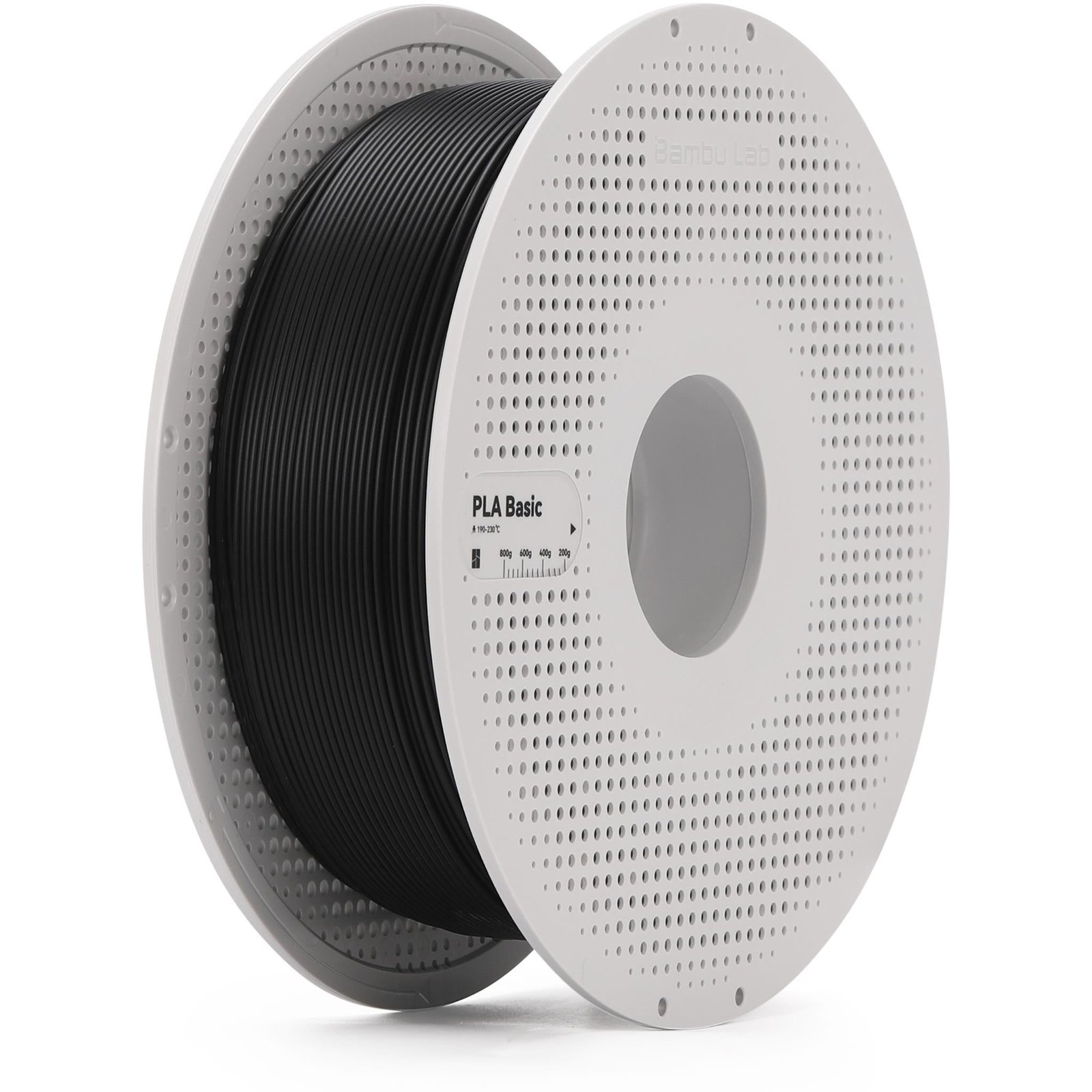 HARDWARE: PLA filament
STEP 01 / 05
Load
Place the spool, insert the filament into the guide tube, then choose Load.
The big idea
Three controlled systems create one object.
Material flow+Heat+X · Y · Z motion=Layered model
Lesson reference
Continue learning.
The concepts and component descriptions are adapted for students from the referenced 3D-printing explainer video.
▶
How does a 3D Printer work?Watch the referenced video ↗
XYZ
Bed-slinger motionX moves the toolhead, Y moves the bed, and Z raises each new layer.